
Trust online is fragile — and nowhere is that clearer than in identity verification.
Today, PRVEN introduces watermarked thumbnails with optional public visibility, a new feature designed to provide a clear visual signal of authenticity while maintaining strict control over personal data.
This update allows users to prove they are real without exposing their full identity, striking a critical balance between trust and privacy in an increasingly AI-driven digital world.
What’s New: Watermarked Thumbnails with Visibility Control
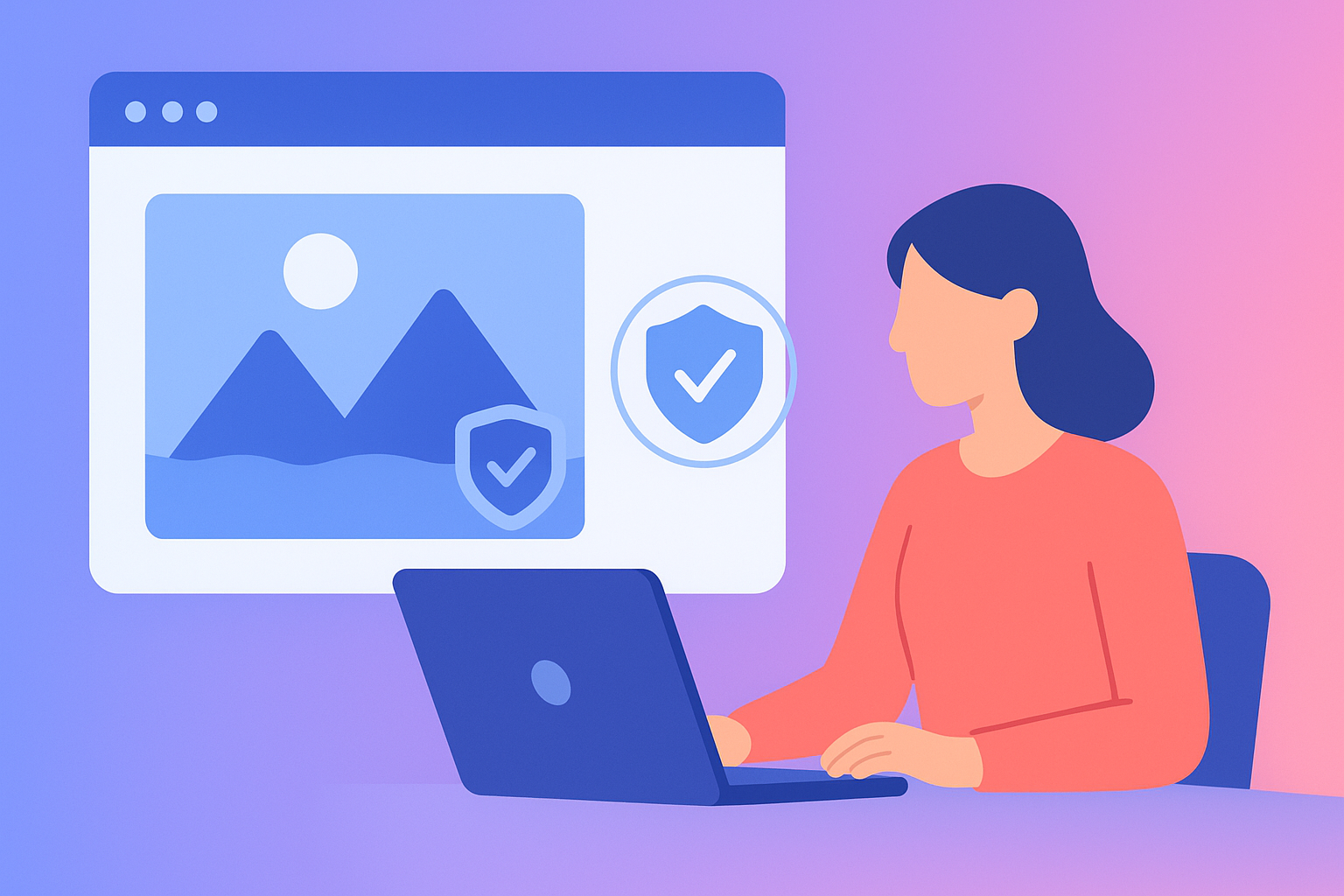
PRVEN now generates a 256px watermarked thumbnail as part of the verification record.
This thumbnail:
- Is derived from the original reference image
- Is low resolution and watermarked
- Cannot be used as a substitute for the original image
- Acts as a visual signal of verification
Users can also control whether this thumbnail is visible on their public verification page.
This introduces two key capabilities:
- Visual proof of authenticity
- User-controlled visibility
Together, these create a more flexible and privacy-conscious verification experience.
Why This Feature Matters
Most identity systems force a trade-off:
- Either expose too much information
- Or provide no visible proof at all
PRVEN removes this trade-off.
Watermarked thumbnails provide just enough visual confirmation to support trust, without exposing sensitive or reusable identity data.
This is especially important in a world where:
- Deepfakes can replicate full-resolution images
- Stolen photos can be reused across platforms
- Identity exposure creates long-term risk
This feature ensures that verification is visible — but not exploitable.
How It Works
The feature integrates directly into the existing PRVEN verification flow.
After a successful verification:
- The original reference image is deleted
- A SHA-256 hash is generated as a proof anchor
- A 256px watermarked thumbnail is created
- The user selects whether the thumbnail is public or hidden
- The verification page reflects this setting
If enabled, the thumbnail appears on the public verification page.
If disabled, the verification remains valid — but no image is shown.
Privacy by Design: No Full Image Storage
This feature does not change PRVEN’s core privacy model.
PRVEN still does not store:
- Full-resolution facial images
- Liveness capture data
- Biometric templates
Instead:
- The original image is deleted immediately after verification
- Only a hash and optional thumbnail remain
The thumbnail is:
- Low resolution
- Watermarked
- Not suitable for reuse or impersonation
This ensures that users can share a visual signal of identity without creating a security risk.
What the Watermarked Thumbnail Actually Does
The thumbnail is not a replacement for identity.
It is a supporting signal.
It helps:
- Reinforce that a real human completed verification
- Provide a recognisable visual reference
- Increase confidence in fast-moving interactions
It does not:
- Enable facial recognition
- Provide full identity visibility
- Replace the verification record itself
The core proof remains the verification event and its associated data.
Solving the Privacy vs Trust Problem
One of the biggest challenges in digital identity is balancing:
- Privacy (protecting personal data)
- Transparency (proving authenticity)
Most systems fail by leaning too far in one direction.
PRVEN introduces a middle ground:
- A verifiable record for trust
- A controlled visual signal for usability
- User choice for visibility
This creates a system that is both secure and practical.
Why Visual Signals Matter
Humans rely heavily on visual cues when making trust decisions.
Without a visual element, verification can feel abstract or difficult to interpret.
Watermarked thumbnails provide:
- Instant recognition
- Faster trust decisions
- Reduced friction in interactions
In environments like:
- Marketplaces
- Social platforms
- Professional networking
this can significantly improve user confidence.
Real-World Use Cases
This feature is designed for practical, everyday scenarios.
Creators and Influencers
Show authenticity without exposing full-resolution images.
Freelancers and Professionals
Provide a visual trust signal to clients and collaborators.
Marketplaces
Help buyers and sellers quickly assess credibility.
Online Communities
Reduce fake profiles and improve member trust.
In each case, the benefit is the same:
clear, visible proof — without unnecessary exposure.
User Control: Visibility When You Need It
A key part of this update is control.
Users decide:
- Whether their thumbnail is public
- When to share their verification page
- How their identity is presented
This flexibility allows PRVEN to work across different contexts:
- Fully public profiles
- Private verification on request
- Selective sharing
Identity is no longer all-or-nothing.
Why This Matters in the Age of AI
AI has changed how identity works.
Images can now be:
- Replicated
- Manipulated
- Reused at scale
This makes full image exposure increasingly risky.
Watermarked thumbnails reduce this risk by:
- Limiting image quality
- Adding visible protection
- Preventing reuse in most contexts
This makes them far more suitable for modern identity systems.
How This Fits Into PRVEN’s Vision
This update builds on PRVEN’s core principles:
- No biometric storage
- Event-based verification
- Public, verifiable proof
- User-controlled identity
Watermarked thumbnails extend this by adding:
- A visual layer of trust
- Without compromising privacy
It is a small feature — but an important step towards more usable identity verification.
What This Means Going Forward
As digital identity evolves, users will expect:
- More control
- More transparency
- Less risk
Features like this represent a shift towards:
- Privacy-first verification systems
- User-controlled identity signals
- Reduced reliance on sensitive data
PRVEN is building towards that future.
Create Your Verified Identity
As impersonation, deepfakes, and AI-generated misuse continue to rise, proving you are real — without exposing your identity — is becoming essential.
With PRVEN, you can:
- Verify your identity in minutes
- Generate a public, shareable proof record
- Control your visibility with watermarked thumbnails
Create your verification record now:
https://identity.prven.org